6 Trending GitHub Repos for AI Developers You Can Install Today
Six trending GitHub repos for AI developers with install commands and steps: REA, Kompressor, OpenFilm, VoiceStudio, Orca, and Cloudflare's security audit skill. From reverse engineering binaries without source code to cutting token bills and running agent fleets in parallel, here is what these breakout open-source tools do and how to install each one today.
⚡ Quick answer: 6 trending GitHub repos solving key developer pains
Six trending GitHub repos for AI developers lead this week's lists, and each one solves a specific pain: REA lets your agent reverse engineer an app without source code, Kompressor cuts coding agent bills, OpenFilm turns your coding agent into a video editor, VoiceStudio clones voices locally for free, Orca runs a fleet of coding agents side by side, and Cloudflare's security audit skill turns your agent into a security reviewer. Every install command below comes from the project's own README or docs, checked on 26 Oct 2026. Star counts move daily, so treat them as a snapshot of this week, not a permanent ranking.
- Why these trending GitHub repos lead this week
- REA: Reverse engineer any app with your agent
- Kompressor: Cut your coding agent bill by compressing output
- OpenFilm: Turn your coding agent into a video editor
- VoiceStudio: Clone a voice locally without a cloud bill
- Orca: Run a fleet of coding agents and keep the best result
- Cloudflare security audit skill: Let a second agent disprove findings
- Which one should you try first? Decision guide
- Frequently asked questions
- Conclusion & next steps
- Sources & primary references
Why these trending GitHub repos lead this week
The week of 19 to 26 Oct 2026 was dominated by tools built for the agent era rather than for humans typing in an editor. REA sits at the top of every tracker, near 388,000 stars with about 58,000 gained in seven days. Orca is near 106,000, VoiceStudio near 88,000, Cloudflare's security audit skill near 47,000 with about 15,000 gained in a week, and OpenFilm and Kompressor broke out after Show HN and Hacker News posts on 19 Oct.
The pattern is easy to read. Developers stopped asking which model writes the best code and started asking how to run agents cheaper, steer several at once, point them at unfamiliar software, and check their work. Each repo below answers one of those questions, and each one is free and open source to install.
| Repo | What it does | Install in one line | License |
|---|---|---|---|
| REA | Agent reverse engineering toolkit | npx rea-agents setup | MIT |
| Kompressor | Deterministic compression for agent bills | kompressor wrap codex | MIT |
| OpenFilm | Agent-made video from HTML pages | npx skills add openfilm/openfilm | MIT |
| VoiceStudio | Local voice cloning and dubbing | curl -fsSL https://voicestudio.sh/install | sh | AGPL-3.0 |
| Orca | Fleet of coding agents in worktrees | brew install --cask stablyai/orca/orca | MIT |
| security-audit-skill | Six-phase agent security audit | npx skills add https://github.com/cloudflare/security-audit-skill --skill security-audit | MIT |
REA: Reverse engineer any app with your agent

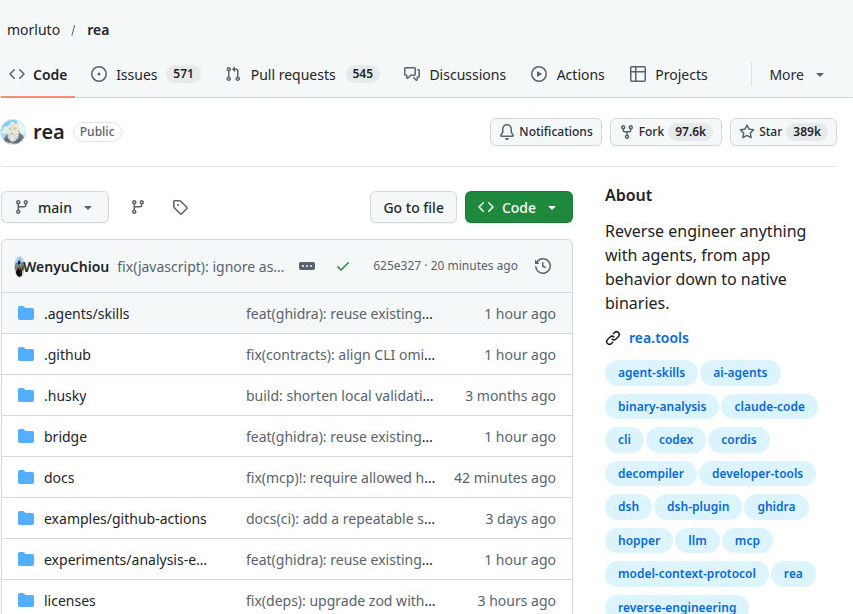
REA is an MCP server and command line tool that lets a coding agent inspect software it has no source code for. Point it at a native binary, an Electron app, a .NET assembly, a website, or firmware, and it returns findings with evidence attached: the file, the byte range, and the hash behind each claim. It also lists what it could not figure out, which matters more than it sounds, because an agent that admits gaps is easier to trust than one that fills them in. Native binaries go through Ghidra, Hopper, or IDA, which you install and license yourself. JavaScript and Electron apps get static analysis without running anything.
Install it with the guided setup. You need Node.js 22.19 or later, 24.11 or later, or 26 or later.
npx rea-agents setupSetup shows a plan before it changes anything. Read it, approve it, then restart your agent. If you want the terminal command as well, install it globally and check it works.
npm install --global rea-agents
rea --help
npx -y rea-agents@latest doctor --client claude_code --jsonOn Windows, setup does not edit your agent config, so register it by hand for Claude Code and restart fully.
claude mcp add --scope user rea -- cmd /c rea mcpFor a first run, pick a target you own and ask for static analysis only. This prompt shape works across agents:
Do not launch or modify it. Explain each finding in plain English,
with the evidence behind it.
You can also run one static inspection without any agent, which needs no native engine:
npx -y rea-agents@latest analyze-javascript-application /absolute/path/to/app --json
Three warnings belong in any honest guide: Install only from the official sources (github.com/morluto/rea, rea.tools, or the rea-agents npm package). Copycat repos are a real risk with a tool this popular, and the README says so directly. Run untrusted targets isolated, in a virtual machine or a disposable machine, not on your main system. And stay inside the legal line: your own apps, malware samples you are authorized to study, or security testing you have permission to do.
Kompressor: Cut your coding agent bill by compressing output
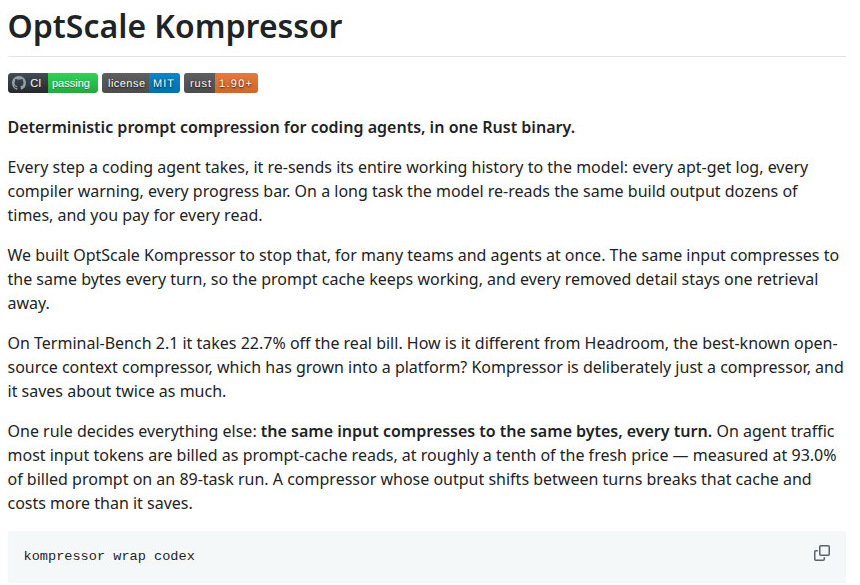
Coding agents spend a large share of their budget re-reading their own tool output: build logs, test output, diffs, and compiler messages, pasted back into context turn after turn. Kompressor is a single Rust binary that sits as a proxy between your agent and the model and removes the repetition.
The design rule that makes it work is determinism. The same tool output always compresses to the same bytes, so the provider's prompt cache keeps hitting instead of invalidating on every turn. Removed passages get replaced with labeled markers the model can fetch back on demand, and anything that does not shrink passes through unchanged. It makes no network calls, sends no telemetry, and downloads no models.
Install it from the releases page for Linux or macOS, or build it with Cargo using Rust 1.90 or newer:
cargo install --locked --git https://github.com/hystax/optscale-kompressor kompressor-cliFrom source, the same repo builds with make:
git clone https://github.com/hystax/optscale-kompressor
cd optscale-kompressor
make release
./target/release/kompressor versionThe supported path is Codex. One command starts the proxy and runs the agent through it:
kompressor wrap codexIf a session gets killed, clean up the leftover config block with the matching command:
kompressor unwrap codexOther agents work through the same wrapper. List what it knows, or pass your own arguments after two dashes:
kompressor wrap --list
kompressor wrap aider -- --model sonnetThe numbers come from Hystax's own benchmark, so read them as a vendor result to verify against your own traffic, not as a promise. On an 89-task Terminal-Bench run with Codex CLI on GPT-5.5, the bill fell 22.7 percent, from $107.89 to $83.40, while tasks solved moved from 82.2 percent to 81.1 percent. Cache reads were 93 percent of billed prompt tokens. Savings concentrate in log-heavy work: 26 percent on machine learning training and evaluation tasks, 28 percent building software from source. Short reasoning-heavy tasks have little repetition to remove, so expect little saving there.
OpenFilm: Turn your coding agent into a video editor
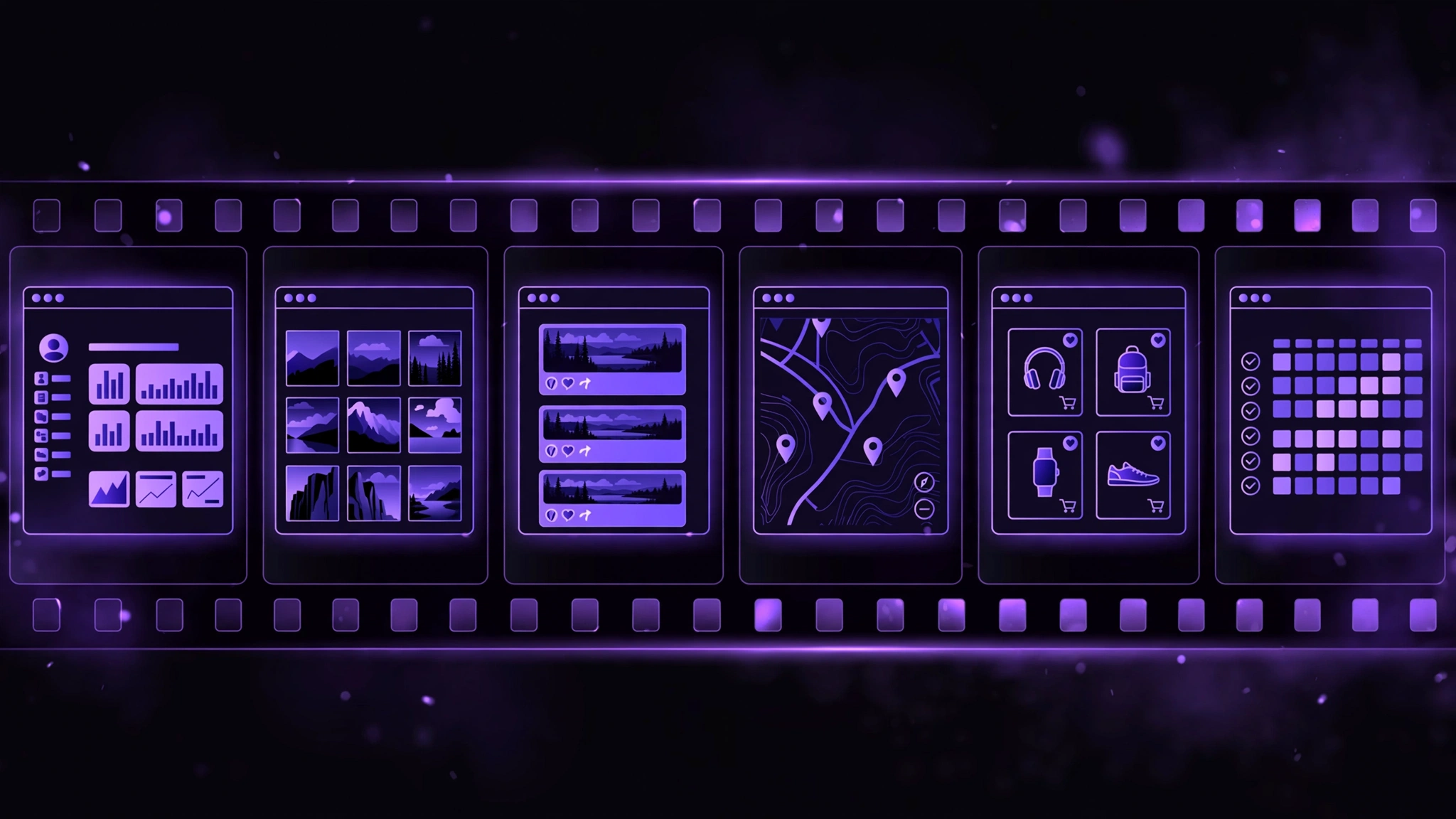
OpenFilm lets a coding agent make a video the way it writes a website. A film is a set of web pages held together by film.html, and each shot is a page that draws any moment through one function, frame(t), using CSS, canvas, SVG, WebGL, three.js, or video. A local editor called Studio runs in your browser, shows the film taking shape, and saves your manual edits back to the files the agent reads, so you can fix a shot by hand or by asking. Export covers MP4, GIF, stems, subtitles, and timelines for Final Cut Pro, Premiere Pro, and DaVinci Resolve. It shipped versions 0.2.1 and 0.2.2 alongside a Show HN post on 19 Oct 2026.
Install it as an agent skill. You need Node.js 22.2 or later and ffmpeg, and the first run downloads a headless Chromium of about 100 MB:
npx skills add openfilm/openfilmThen ask your agent for a film in plain words:
If your agent has no skills support, tell it to run the command line tool and follow the manual it prints:
npx -y openfilm@latestThe command line tool covers the rest of the workflow. Open a finished example to see the shape of a film, check a frame, and render the result:
npx -y openfilm@latest open https://github.com/openfilm/examples/tree/main/one-prompt
openfilm look
openfilm renderVoiceStudio: Clone a voice locally without a cloud bill
VoiceStudio is a free desktop app that puts voice cloning, voice design, video dubbing, transcription, dictation, and audiobook creation in one place, running on your own machine. It clones a voice from a short clean reference clip, designs new voices from a description, dubs video with timed speech, and exposes a local API and an MCP server so coding agents can drive it. It covers 646 languages across its engines, with 16 text to speech engines and 11 speech recognition engines to switch between. The app itself is AGPL-3.0 licensed, and it gained about 17,000 stars in the week of 21 Oct 2026.
Install it with one command on macOS or Linux, or one line in PowerShell on Windows:
curl -fsSL https://voicestudio.sh/install | shOn Windows PowerShell:
irm https://voicestudio.sh/install | iexTo drive it from Claude Code, the app runs an MCP server on your own machine while it is open, and one command connects it:
claude mcp add --transport http voicestudio http://localhost:3900/mcp/Orca: Run a fleet of coding agents and keep the best result
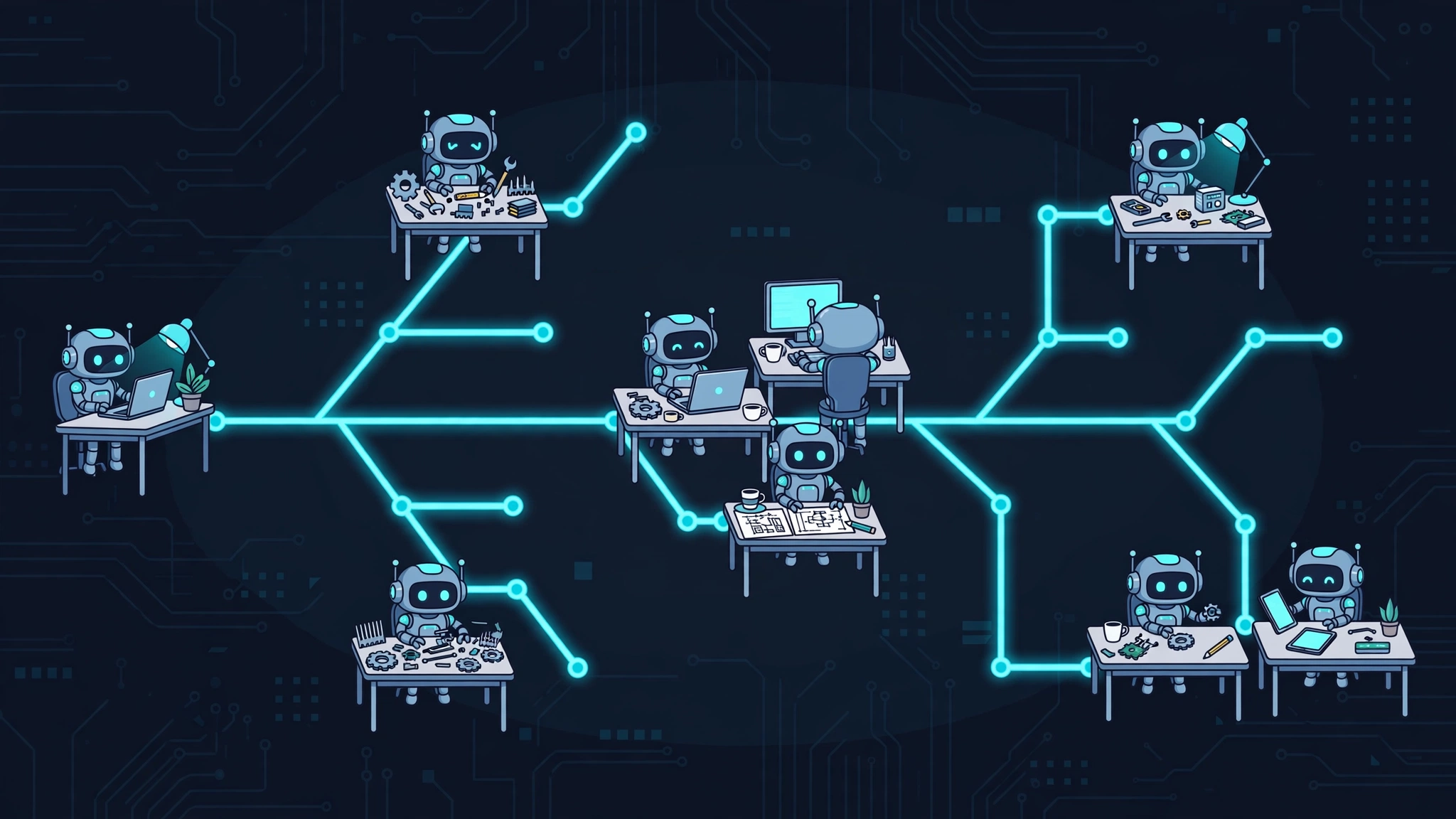
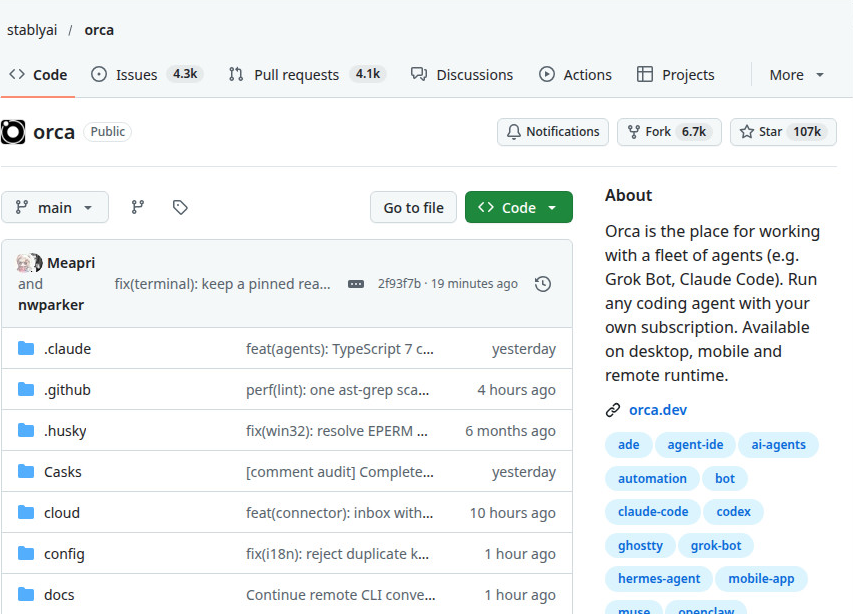
Orca is a desktop app for working with a fleet of coding agents instead of betting everything on one agent and one attempt. You fan one prompt across several agents at once, Claude Code, Codex, OpenCode, Grok, Cursor, Copilot, Pi, and any command line agent, and each agent works in its own isolated git worktree. Five agents can attack the same task at the same time without overwriting each other's files, because a worktree is a separate checkout sharing one object store. When they finish, you compare the results side by side and merge the winner. The rest get discarded.
Install it on macOS with Homebrew, or on Arch Linux from the AUR:
brew install --cask stablyai/orca/orcayay -S stably-orca-binCloudflare security audit skill: Let a second agent disprove findings

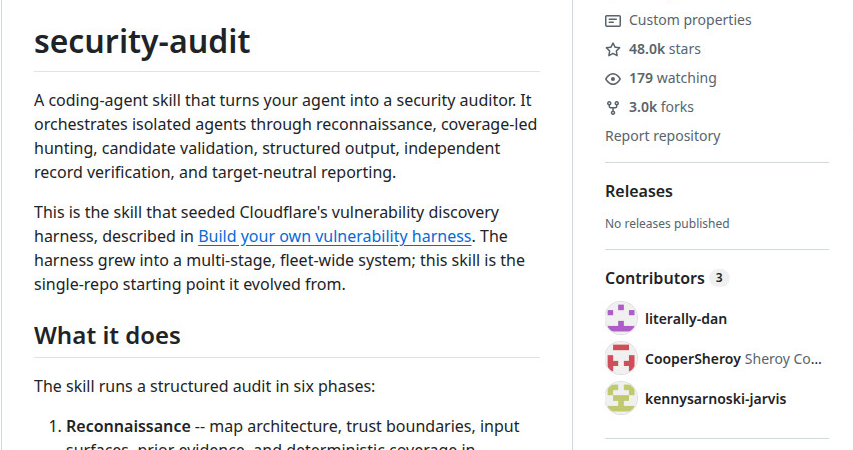
Most attempts to audit code with an agent amount to asking for bugs and accepting the answer. Cloudflare's security audit skill runs a six-phase audit instead, and its central rule is that the agent that checks a finding is never the agent that found it. One agent maps the architecture and trust boundaries. Isolated hunters search from a coverage ledger. Fresh verifiers try to disprove each candidate. Results land in a schema-checked findings file as confirmed, needs validation, or rejected, with readable reports on top. Cloudflare reports that a single run found roughly half of the vulnerabilities that repeated runs found in total, so treat one clean run as a sample, not a verdict.
Install it through the Skills CLI, at project level, or with the global flag for every project:
npx skills add https://github.com/cloudflare/security-audit-skill --skill security-auditWith the global flag:
npx skills add https://github.com/cloudflare/security-audit-skill --skill security-audit --globalThen start your coding agent inside the project folder and ask in plain words:
find security vulnerabilities in ./src
do a security review, output to ~/audits/my-project
Which one should you try first? Decision guide
Match the tool to the pain you already feel:
- Bills climbing on agent runs: Points to Kompressor.
- An unfamiliar app you need to inspect: Points to REA.
- A launch video you keep postponing: Points to OpenFilm.
- Voice work without a cloud subscription: Points to VoiceStudio.
- Several agents you already pay for: Points to Orca.
- A release you want checked before it ships: Points to the security audit skill.
If you try only one this week, try the one whose first command takes under a minute: the security audit skill and OpenFilm both install as agent skills, and REA's guided setup shows its plan before changing anything.
Frequently asked questions
The code is free and open source in each case, with the licenses in the table above. Running them is where costs appear. Agents need their own subscriptions or API credits, generated media in OpenFilm needs your own provider keys, and VoiceStudio's individual models carry their own licenses. Read the license that covers the part you use, since the repo's top-level license may not cover every model inside it.
REA, OpenFilm, VoiceStudio, and Orca all ship Windows builds, with REA needing the manual registration step shown above. Kompressor's published binaries cover Linux and macOS, so check the repo for current Windows options before planning around it. The security audit skill runs wherever your coding agent and Node.js run.
It depends on the target, not the tool. Your own apps, malware samples you are authorized to study, and security testing you have permission to do are the safe cases. Pointing it at software you have no right to inspect is not made safe by the fact that the tool is open source, and commercial analysis engines like Hopper and IDA need legitimate licenses of their own.
No key is needed to install any of the six. Keys enter later, for the services around them: your agent's subscription, OpenFilm's generated media providers, and any remote engine VoiceStudio is pointed at. The security audit skill needs nothing beyond what your agent already uses.
Three habits cover most of the risk. Install from the official repo or package name, letter by letter, since REA already warns about copycats. Read a piped install script before running it, or use release installers instead. And run untrusted targets isolated, whether that means a virtual machine for REA or the operating system sandbox the audit skill asks for.
Conclusion & next steps
These trending GitHub repos for AI developers show the same shift: tools that make agents cheaper, easier to steer, and easier to check. Install the one that matches your current pain, run its first command, and keep the catch in mind for each: REA's copycats and legal line, Kompressor's vendor benchmark, OpenFilm's provider keys, VoiceStudio's model licenses, Orca's subscription costs, and the audit skill's long runs.
If you want to build skills of your own in this style, explore PromptStaging's interactive developer tools:
- Skill Builder Studio — Author, validate, and export standard SKILL.md bundles.
- Universal Agent Skills Hub — Browse 66 pre-screened agent skills with security trust scores.
- Model Context Protocol Studio — Configure and mask secrets for local & remote MCP servers.
- One SKILL.md, Every Agent — Engineering guide to cross-platform skills under the Linux Foundation AAIF.
Sources & primary references
- REA Docs: REA installation and architecture manual
- OptScale Kompressor: GitHub repository and Context compression benchmark write-up
- OpenFilm: GitHub repository and CLI documentation
- VoiceStudio: GitHub repository and installation guide
- Orca: GitHub repository and official portal at onOrca.dev
- Cloudflare security audit skill: GitHub repository and six-phase audit guide
- Trend Trackers (26 Oct 2026): Verified via FindARepo and GHTrends daily index